


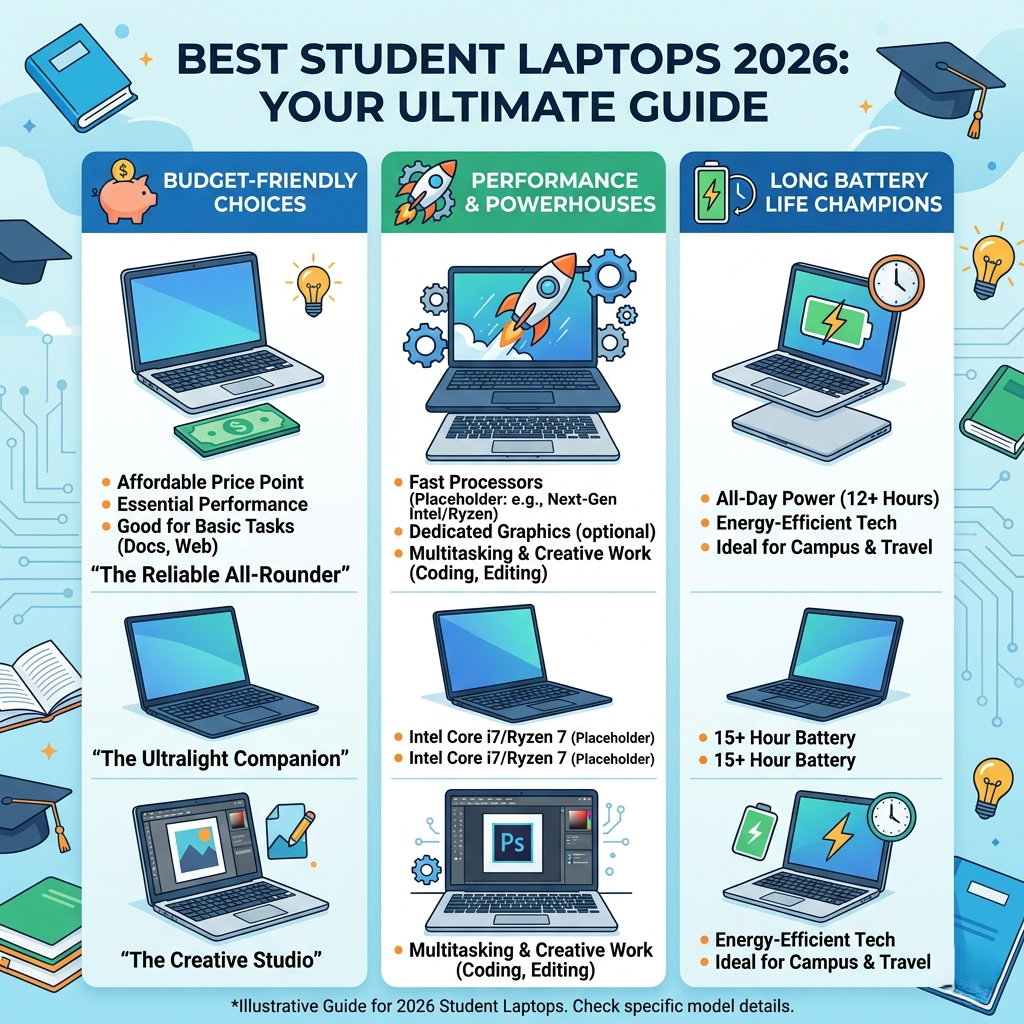
Introduction: Choosing the Right Laptop Made Simple
Buying a laptop as a student can feel confusing. So many options, specs, and prices can quickly overwhelm you.
However, the right laptop makes studying easier, faster, and more enjoyable.
In this guide, I’ll break everything down in simple terms. So, you can pick a laptop that truly fits your needs.
What Students Should Look for in a Laptop
Before jumping into recommendations, let’s quickly understand what actually matters.
1. Performance That Matches Your Needs
Not every student needs a powerful machine. Still, smooth performance is essential.
- For basic tasks: 8GB RAM works fine
- For heavy work: 16GB RAM is better
- SSD storage is a must for speed
As a result, your laptop won’t slow you down during assignments.
2. Battery Life That Lasts All Day
Students often move between classes, libraries, and cafes.
Therefore, a long battery life saves you from carrying chargers everywhere.
Look for at least:
- 8–10 hours of battery backup
3. Lightweight and Portable Design
Since you’ll carry your laptop daily, weight matters a lot.
Ideally:
- Under 1.5 kg feels comfortable
- Slim designs fit easily in bags
4. Display and Comfort
You’ll spend hours looking at the screen. So, comfort is key.
- A full HD display (1080p) is ideal
- Anti-glare screens reduce eye strain
Best Laptops for Students in 2026
Now, let’s explore some of the best options available right now.
1. Apple MacBook Air M2 – Best Overall Choice
This laptop remains a favorite among students.
Why it stands out:
- Super fast performance
- Excellent battery life
- Lightweight and premium design
However, it costs more than other options. Still, it’s worth it for long-term use.
2. Dell XPS 13 – Best for Premium Windows Experience
If you prefer Windows, this is a strong choice.
Key benefits:
- Stunning display
- Powerful performance
- Compact and stylish
In addition, it handles multitasking very smoothly.
3. HP Pavilion 15 – Best Budget-Friendly Option
Not everyone wants to spend a lot. That’s where this laptop shines.
Why students love it:
- Affordable price
- Decent performance
- Good for everyday tasks
So, it’s perfect for notes, browsing, and assignments.
4. Lenovo IdeaPad Flex 5 – Best 2-in-1 Laptop
This is ideal if you like flexibility.
Top features:
- Touchscreen support
- Can be used as a tablet
- Great for note-taking
As a result, it works well for creative students.
5. ASUS VivoBook 15 – Best Value for Money
This laptop offers a great balance of price and performance.
Highlights:
- Solid build quality
- Good performance
- Affordable pricing
Therefore, it’s a smart pick for most students.
Comparison: Which Laptop Should You Choose?
Here’s a quick breakdown to help you decide:
- Best overall: MacBook Air M2
- Best Windows option: Dell XPS 13
- Best budget pick: HP Pavilion 15
- Best for flexibility: Lenovo Flex 5
- Best value: ASUS VivoBook 15
So, your final choice depends on your budget and usage.
Real-Life Example: What Should You Pick?
Let’s make this even simpler.
- A business student → MacBook Air or Dell XPS
- An engineering student → Laptop with 16GB RAM
- A casual user → HP Pavilion or VivoBook
This way, you avoid overspending or underbuying.
Common Mistakes Students Should Avoid
Even smart buyers make mistakes. So, watch out for these:
- Buying based only on brand
- Ignoring battery life
- Choosing HDD instead of SSD
- Overpaying for unnecessary features
Instead, focus on your actual needs.
FAQs
1. What is the best laptop for students overall?
The MacBook Air M2 is one of the best due to its performance, battery life, and portability.
2. How much RAM do students need?
Most students need 8GB, but 16GB is better for heavy tasks like programming or design.
3. Are budget laptops good for students?
Yes, budget laptops work well for basic tasks like browsing, writing, and online classes.
4. Should students choose Mac or Windows?
It depends on preference. Mac is smooth and reliable, while Windows offers more variety and flexibility.
5. How long should a student laptop last?
A good laptop should last at least 4–5 years with proper care.
Final Thoughts: Pick Smart, Study Better
Choosing the right laptop doesn’t have to be hard.
If you focus on performance, battery life, and comfort, you’ll make a great choice.
In the end, the best laptop is the one that fits your daily needs without slowing you down.
